
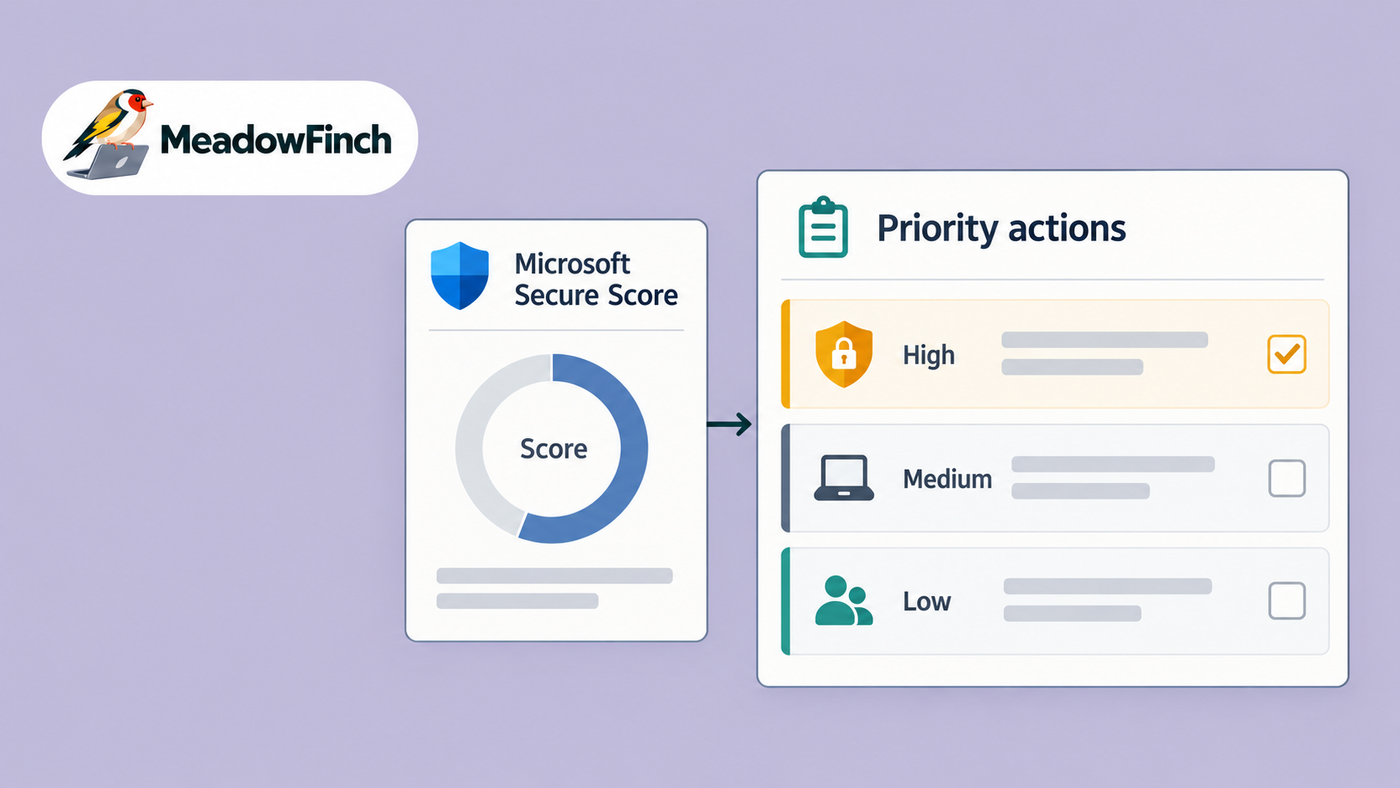
Microsoft Secure Score is useful, but only if it leads to better decisions. I do not treat it as a target that must keep rising, and I would not judge an endpoint security programme by a percentage on a dashboard. I use it as one input for deciding what deserves attention, what can wait and what is not appropriate for the business.
It is easy to accept a recommendation in principle. It is harder, and more important, to make it work across real devices, for real benefit, without disrupting the people using them.
A higher score can indicate progress, but the work is about reducing risk. The points are evidence of certain controls, not proof that the environment is secure.
Start with the risk, not the points
I begin in Microsoft Defender by reviewing the recommended actions and the device evidence behind them. A recommendation to enable antivirus, require a local firewall, prevent access from rooted devices or improve screen-lock behaviour may carry points, but the points do not tell the whole story. I need to understand the exposure that the control addresses and whether that exposure exists in our environment, and to what extent.
For each recommendation, I ask a small set of practical questions:
- Which devices, users and business services are exposed?
- What attack path or data-loss scenario would this control reduce?
- Is the recommendation already covered by another control? (perhaps outside of reporting ability)
- What licence, platform or technical dependency sits behind it?
- What will users experience when I enforce it?
- How will I prove that the change is working?
This prevents an attractive number from pushing low-value work ahead of a material weakness. A recommendation affecting a small, controlled exception may be less urgent than one covering ordinary devices used for simple Microsoft 365 service access. Equally, a recommendation with modest score value may close a risk that matters greatly to the way the business operates.
Turn Defender recommendations into Intune work
Secure Score and Defender help me identify and investigate gaps. Intune is where many endpoint controls become operational. I translate the recommendation into a compliance rule, configuration profile, endpoint security policy or access decision, depending on what the control is meant to achieve.
Separate configuration from compliance
Keep a clear distinction between configuring a device and deciding whether it is compliant. A configuration profile can require a firewall, encryption or an inactivity lock. A compliance policy can assess whether the device meets the expected state. Conditional Access can then use that compliance signal when access to Azure resources need to be restricted.
Those layers should support each other, but they are not interchangeable. Marking a device non-compliant does not necessarily correct it. Nor does that state mean anything unless the appropriate compliance configurations have been tuned for your specific business. Applying a setting does not guarantee that the setting is active, healthy or still reporting. What we need is the desired configuration, a trustworthy compliance signal and reporting that shows the result.
Use platform-specific controls
Avoid treating every endpoint as though it behaves like Windows. Android, iOS, macOS and Windows expose different settings, management capabilities and user journeys. A sensible security objective may therefore need different Intune policies for each platform or different approaches and toolsets to achieve it. The control should remain consistent, while the implementation respects how the platform actually works.
This matters for controls such as password requirements, rooted or jailbroken device detection, email profile management and wipe behaviour after failed sign-ins. Before enforcing any recommendation, check that the setting is supported, that ownership models have been considered and that the response is proportionate to the data held on the device and to your business context.
Stage the change and watch the service
Do not move a recommendation from dashboard to broad enforcement in one sweeping step. Endpoint changes can affect sign-in, application behaviour, performance and access to files. A technically correct policy that blocks legitimate work without warning is still a poor implementation.
- Confirm the current state. Review the affected devices, existing policy assignments and Defender evidence. Check for overlapping controls and stale records that could distort the picture.
- Define the intended outcome. Write down the risk being reduced, the devices in scope, the expected user impact and the evidence that will be accepted as success.
- Test with a controlled group. Apply the policy to a small, representative set of devices first. The aim is to expose conflicts and user friction before they become a service-wide problem.
- Review signals. Check Intune deployment status, device compliance, Defender reporting and support feedback. A policy showing as assigned is not enough.
- Expand in stages. Widen the assignment only when the evidence supports it, keeping a rollback route and clear ownership throughout.
This approach connects security with service quality. Autopilot and MDM provisioning should put a device into a secure, supportable state from the beginning, rather than relying on remediation later. When security controls are built into provisioning, users receive a more consistent device and the ongoing support burden is easier to understand.
Own exceptions rather than hiding them
Not every Secure Score recommendation should be implemented exactly as presented. A legacy dependency, specialist device, platform limitation or contractual requirement may justify a different control. The important point is that an exception must be deliberate.
Record the affected scope, business reason, risk owner, compensating control and review condition. Keep exclusions narrow. A broad exclusion group created to make deployment easier can quietly become a permanent security gap, particularly when nobody owns it.
Where I accept a recommendation rather than implement it, I want enough evidence to explain the decision later. Secure Score should not force me into a control that is unsuitable, but neither should a difficult implementation become an undocumented reason to do nothing.
Measure evidence, not dashboard movement
After a change, look for proof in several places. Intune should show that the policy reached the intended devices. Compliance reporting should show whether devices satisfy the requirement. Defender for Endpoint should show the relevant posture or exposure changing over time. Service information should show whether the control introduced sign-in failures, provisioning issues or avoidable support demand and increased ticket numbers.
The score may take time to update, and its movement is not my primary acceptance test. I am more interested in questions such as these:
- Are active endpoints reporting into the management and security services?
- Are antivirus, firewall, encryption and other required controls actually healthy?
- Are non-compliant devices being remediated or restricted as intended?
- Do exclusions still have a valid owner and reason?
- Can I trace a recommendation to a policy, assignment, result and review decision?
That evidence also makes the next review more useful. Instead of asking why the score is not higher, I can explain which risks have been addressed, which remain, and why the priorities are in that order.
A score should support judgement
Microsoft Secure Score gives a structured way to find gaps and open the right conversations. Defender recommendations add useful technical context, while Intune gives me the means to configure, assess and govern endpoints.
None of them removes the need for judgement.
My aim is not a perfect number. I disagree with anyone who would claim otherwise. It is a managed endpoint estate where controls reflect real risks, changes are introduced safely, exceptions are visible and every important decision has evidence behind it. If the score rises as that work is completed, that is useful confirmation. It is not the reason for doing the work.